Verified residents
Members join from home on their phone. A text code confirms the number, and the road is detected once and fixed to the profile. They can use the app as soon as the account is created.
HomeHow it works
Report, warn, ask
Something happened nearby. Tell verified neighbours what you saw, from suspicious activity to a dumped load of rubbish. Add a photo or a CCTV clip if you have one, or send the post without footage.
The post reaches logged-in residents whose saved home is within range of where it was sent. People in other areas cannot see it. The app alert starts on. Email, text and WhatsApp can be turned on.
No clip of your own? Ask nearby cameras to check a time window. Residents who have chosen to help can look through their recordings. Each neighbour decides whether to respond. Request CCTV footage.
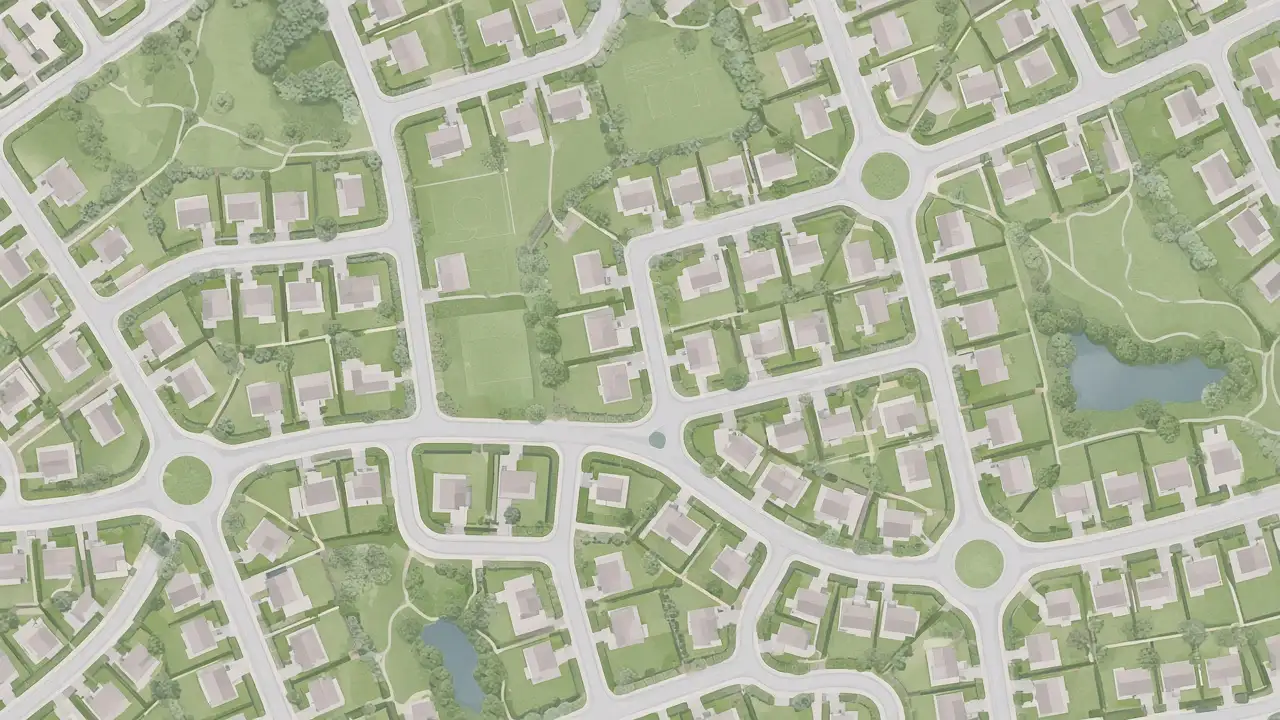 IncidentIncidentFootage requestIncidentFly-tipping
The green dot is your home.A yellow sign is an incident on the road.A navy symbol asks neighbours for CCTV.
Examples, not live posts. Pins show the road, not a house.
A video or photograph sent with a report is reviewed before other residents can watch it. A clip added by a neighbour is stored privately and reviewed in the same way. When it is approved, the person who sent the report is told. The message names the road only. The person who added it chooses who can see an approved clip. You can only upload footage from a camera you control or have permission to share.
Fly-tipping is an extra report for dumped rubbish. It alerts neighbours nearby. They can check their CCTV or doorbell footage and add a clip, so the street can try to find who left it and build the evidence. StreetAlert does not submit the case. Neighbours can take that evidence to the council themselves.
A member can choose to hear about planning applications within a distance of their home. The alert names the road and how far away it is, never the house. If several appear on the same day, they arrive as one message, from 10am until 9pm. The details come from PlanIt, which collects them from council websites.
StreetAlert is not a neighbourhood watch, an argumentative Facebook page, or a WhatsApp group that gets put on silent. Neighbours upload video of what their camera saw. Other residents are not shown who sent it, and they are not shown a house number. They see the road name and an approximate distance. It can sit alongside a neighbourhood watch. It is not one. If a crime is happening or someone is in danger, call 999. For a non-emergency police matter, contact 101. CCTV and privacy are set out in community safety and privacy.
Members join from home on their phone. A text code confirms the number, and the road is detected once and fixed to the profile. They can use the app as soon as the account is created.
Alerts reach residents whose saved home is near the report. Other residents see the road name and an approximate distance, not an exact point.
StreetAlert does not use facial recognition. The privacy policy sets out what is kept and who can see it.
More than doorbell footage
Sharing footage is just the start. StreetAlert also keeps you up to date with real figures, your local police and the things that matter on your road.
Free for every street in the UK.
Join freeSign up on your phone at home, confirm your number, and your road is set up for you. Then tell the people next door.